Hikvision Enhanced PoE feature [For long distance]
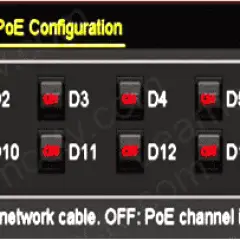
Specific Hikvision NVR models offer an attribute called “enhanced PoE” that can be extremely beneficial to users. In this article, let’s learn how to use Hikvision’s Enhanced PoE Feature. In some situations, installing the feature in the cameras that have been installed further than the recommended (100 meters) from the recorder can help the connection. […]

Hikvision RTSP Format [ RTSP URL ]
If you are a Hikvision user, whether it be an IP camera or recorder, you can use an RTPS protocol to live-stream your footage. Want to learn more? This article will cover the Hikvision RTSP URL Address Format. Real-Time Streaming Protocol (RTSP) is a real-time network shortcut for streaming footage, and video live. It sends […]
Use a WiFi adapter to turn your NVR into a WiFi device
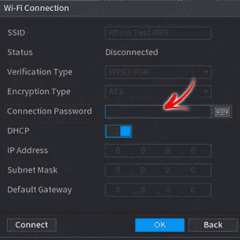
Can a WiFi adaptor be used to turn NVR into a WiFi device? Let’s find out. Yes, it is possible. You can tune regular everyday NVRs into a WiFi NVR by using an affordable USB WiFi Adapter and connecting it to the back of the recorder. This can be an impressively simple solution that only […]
Dahua IP Camera Initialization
Need to manually start your camera before using it? This guide will cover Dahua IP camera initialization. The instructions you will find below apply to the Dahua logo and OEM version of the devices. Check out the Dahua OEM list article on our website to find out if your camera applies. Dahua IP camera initialization– […]
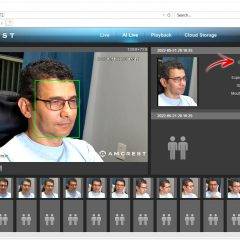
How to enable face detection on Amcrest cameras [with real example]
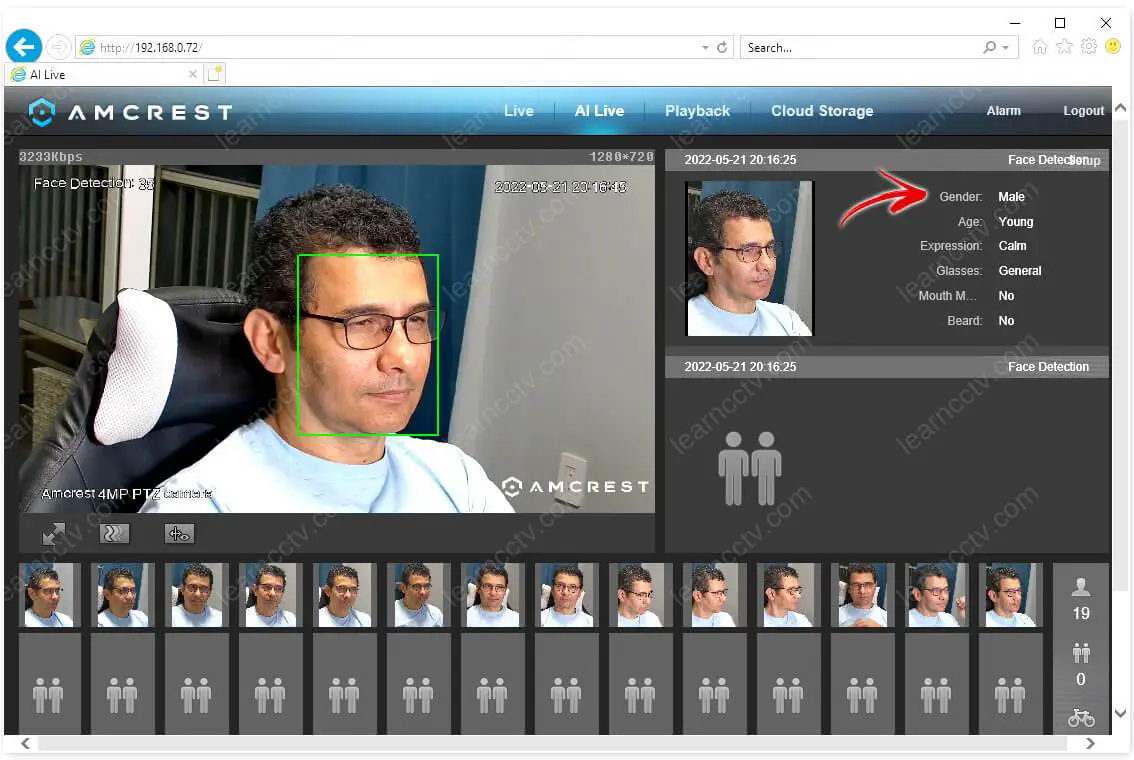
Want to enable face detection on Amcrest cameras ?I have an Amcrest 4MP PTZ model IP4M-1063EW-AI with the face detection working via a web browser. It even shows the details about myself.Amcrest camera with face detectionAs you can see, the camera detects my face, creates some thumbnails and shows information about gender, age, expression, glass, […]
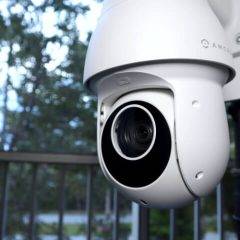
Amcrest 4MP Outdoor PTZ Review (IP4M-1063EW-AI)
This is a review of the Amcrest 4MP Outdoor PTZ PoE+ camera.The camera model is IP4M-1063EW-AI. It’s available on the Amazon store.Amcrest sent me a camera sample. I’ve been testing it for some time to share the results and my opinion about this product. So, please keep reading… Best Price for the Amcrest IP4M-1063EW-AI ==> This […]
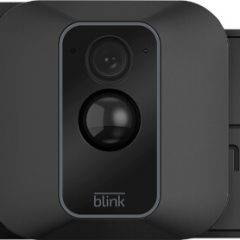
Turn Off the Blue Light on Blink Camera (Easy Steps)
So you want to know how to turn off the blue light on your Blink camera?You are in the correct place. I have a blink camera myself, and I know that this LED is annoying and can drive people crazy, right? Don’t worry; I have the solution in this article. Just keep reading.Why do Blink cameras […]
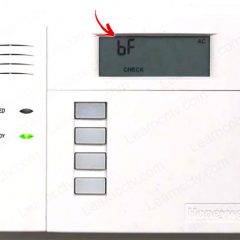
ADT error code 6F or bF (how to fix)
Let’s take a look at how to fix the ADT error code 6F (or bF). The error message is presented on the LCD panel, as shown below.ADT error code bFMost of the time people get confused if they are reading 6F or bF on the panel, but either way, the error message is the same, so […]
Axis Camera – ONVIF Error Message (Solved)
In this article, I talk about the following error message on Axis cameras:Error in deserializing body of reply message for operation “Get Profiles”.Sometimes the message always shows an error related to the “Get Status”. You can see a message like this when testing the Axis camera via the ONVIF Device Manager software. (Free software tool).How to […]

Axis PTZ – How to limit the movement (Mechanical Restrictions)
Do you want to learn how to limit your Axis PTZ camera movement?Yeah, you are in the right place. Here you can learn how to do that. 😉But first, you need to understand how the camera uses the coordinates.The Axis cameras coordinatesPlease take a look at the following picture to understand how the Axis cameras use […]