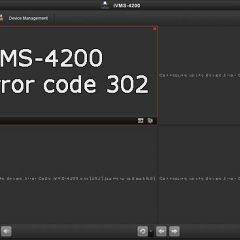
Hikvision iVMS-4200 Error 302 (Quick Fix)
Did you see the error code 302 on your Hikvision iVMS-4200 software?Alright, you arrived at the right place. In this article, I talk about this problem…There’s a quick fix for this problem, so don’t worry too much about it.What is this error about?Incompatibility or glitch in the firmware version your device is using.That’s it. Sometimes […]
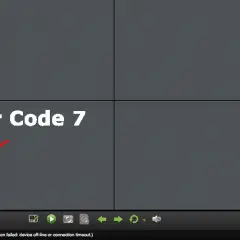
Hikvision Login Failed error code 7 (Solved)
The Hikvision login failed error code 7 is an error that shows the message:Error code 7.(Connection failed: device off-line or connection timeout.)Sometimes you can also see the reference HCNetSDK.dll[7] to indicate the problem your software (iVMS-4200) or other device is facing.Usually, it’s very easy to fix the problem as long as you understand some basic principles […]
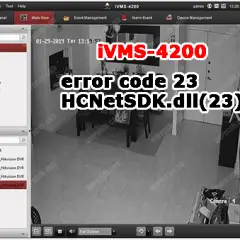
Hikvision iVMS-4200 error code 23 HCNetSDK.dll(23)
If you are using the Hikvision iVMS-4200, sometimes you can face error code 23:”Failed to search the event triggered video. Error Code HCNetSDK.dll[23].(Not supported.)”This error is related to the smart playback, so let’s talk about it…What causes the error code 23?The iVMS-4200 acts like a recorder, that’s the reason for the name PC-NVR.So, the software […]

Hikvision backdoor password (reset tool)
Is there a Hikvision backdoor password ? Can it be protected ?Yes, there’s a way to use a backdoor password tool on Hikvision cameras but that depends on the model and firmware version the device is using.In this article, I talk about how the Hikvision backdoor password works and how to protect yourself from people […]
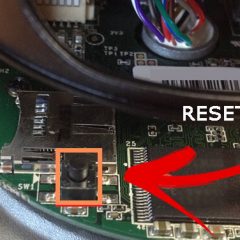
How to reset a Hikvision camera (back to factory defaults)
There are different ways to reset a Hikvision camera to factory default.If you have an IP camera, just open it up and look for the reset button.Hikvision camera hard resetIn a Hikvision camera, usually the reset button is located close to the memory card slot. You can easily find it even without any indication, since […]

How to setup Hikvision DVR for Google Drive recording
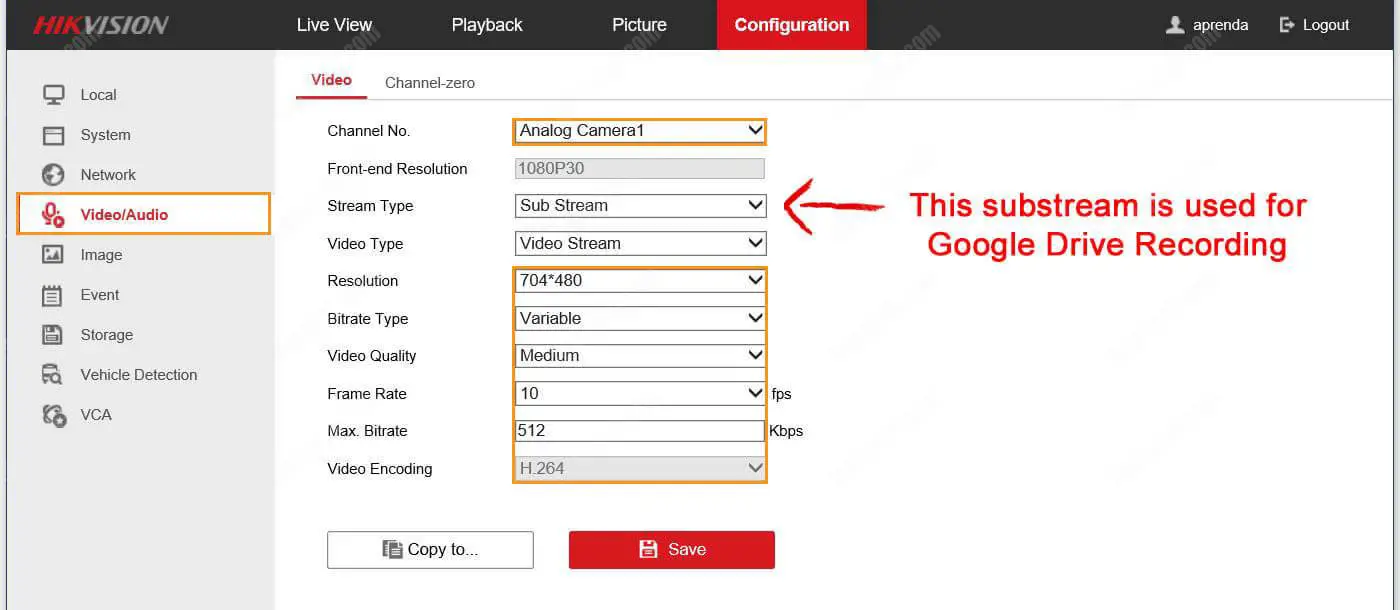
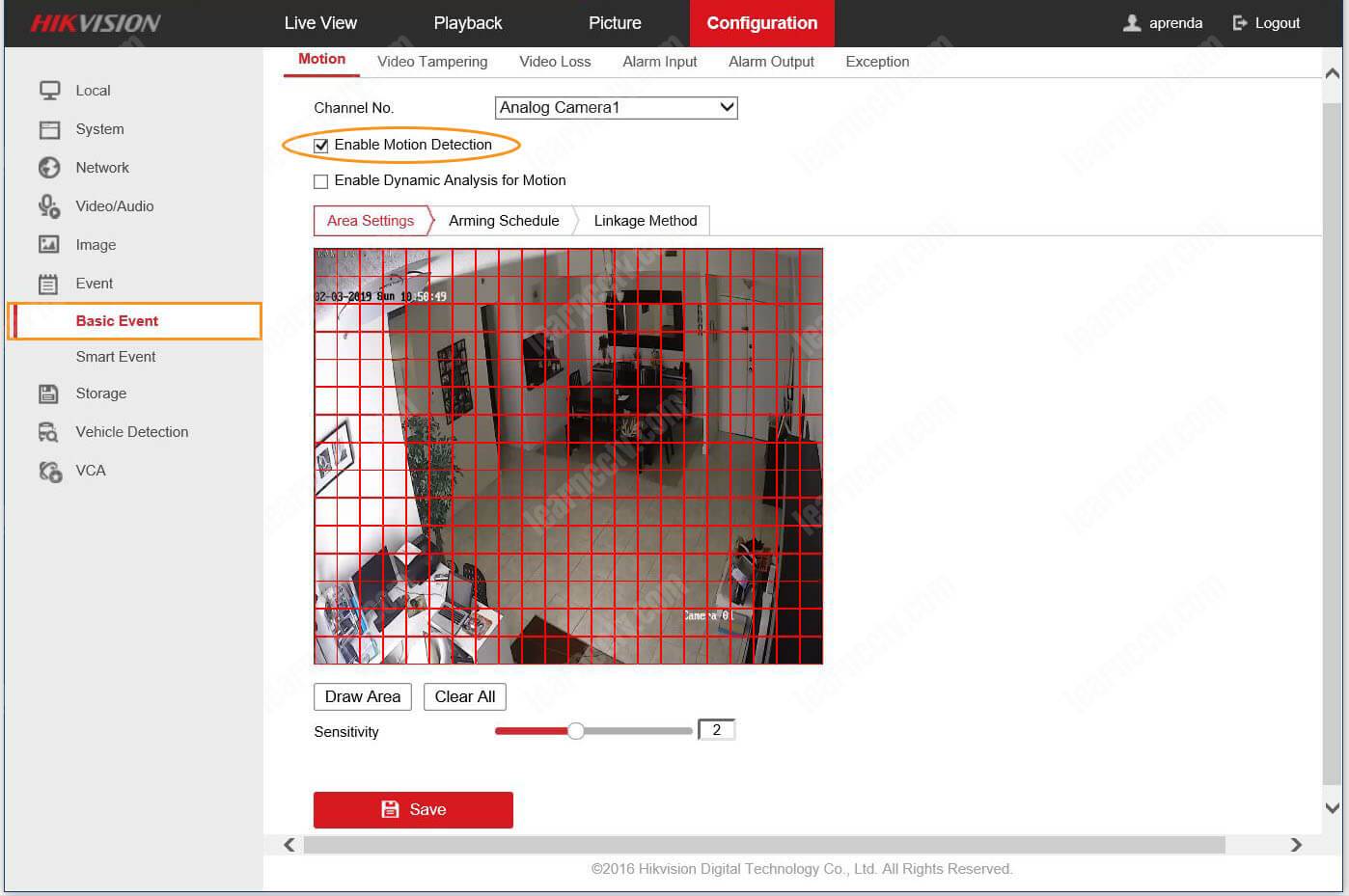
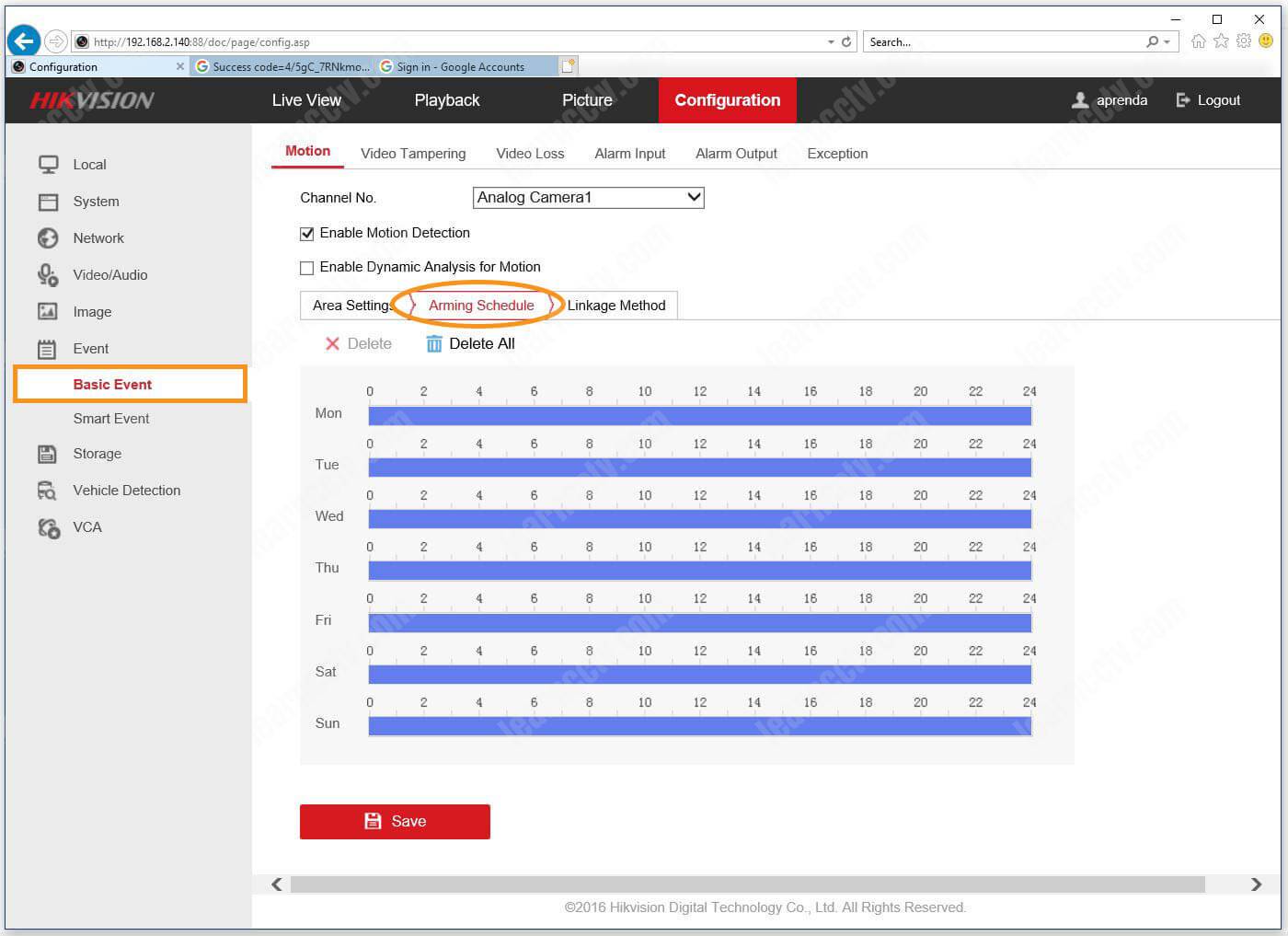
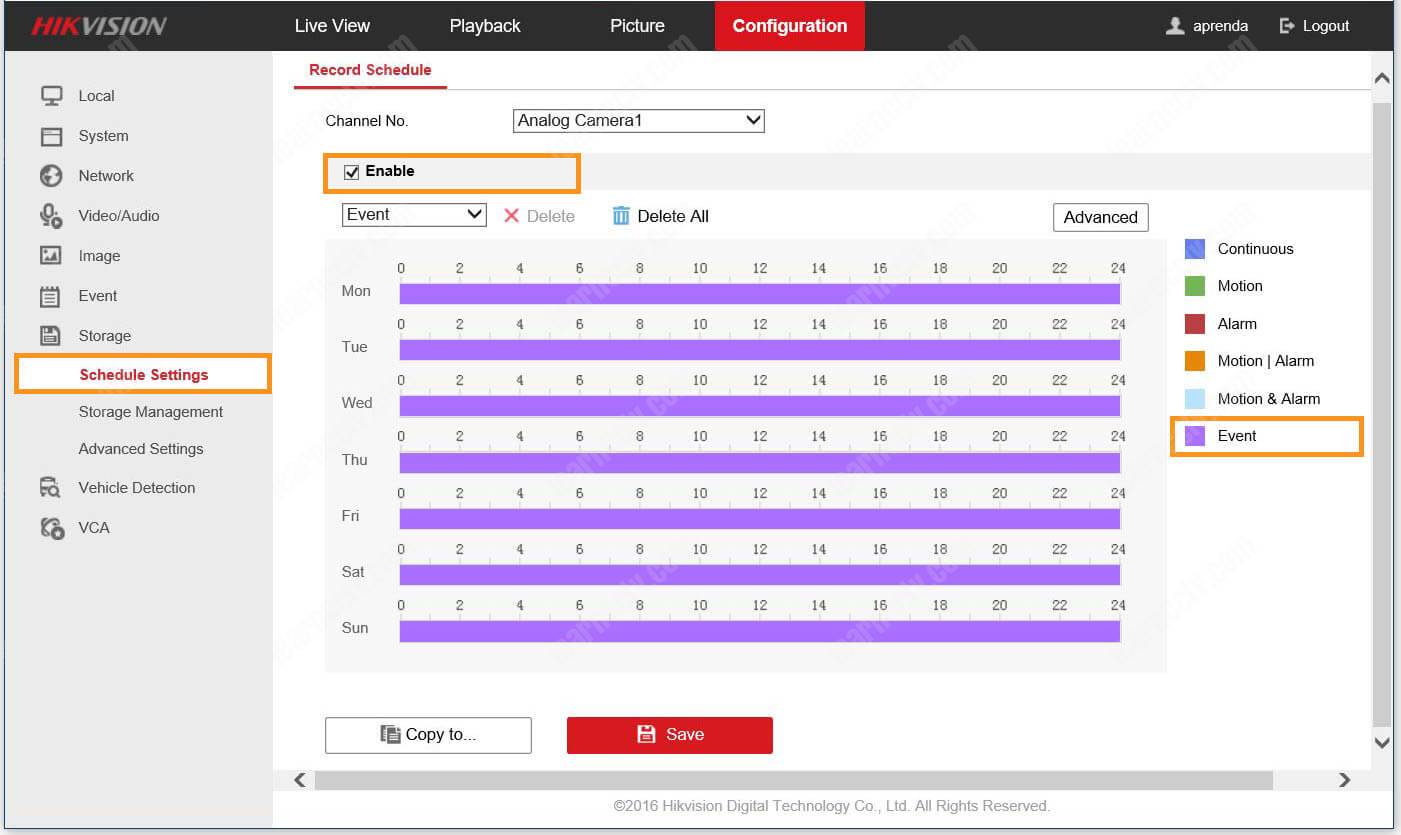
If you want to record the footage from your Hikvision DVR or IP cameras directly into the cloud, chances are you already considered using a free or inexpensive solution such as the Google Drive, Dropbox or OneDrive, right?By following the instructions in this article, you can have your DVR recording on Google Drive in less […]
Hikvision Google Chrome Plugin Compatibility Issue (solved)
Let’s learn how to view Hikvision cameras or NVR on Google Chrome. Yeah, I know people are having a hard time getting Hikvision devices working with this browser. If you can’t get your Hikvision device to show you live video in Google Chrome and always get the annoying message to download and install the plugin […]
Hikvision iVMS-4200 – How to setup email notification (Gmail)
The Hikvision iVMS-4200 is a powerful software that allows you to manage IP cameras, DVRs and NVRs and send alerts when some event happens.In this article, I explain how to setup email notification in the iVMS-4200 with a free email account (Gmail). There are some important details you have to pay attention to when configuring […]

How to setup a Hikvision DVR (basic configuration)
In this article, I talk about how to setup a Hikvision DVR so you can have your surveillance system up and running fast. Just keep reading…Setup a Hikvision DVR for basic recording and monitoring is usually a quick task that doesn’t take more than 10 minutes, assuming you already have your cameras installed and connected […]

Hikvision DVR won’t display channels (solved)
Sometimes you have to figure out what’s wrong with a DVR that you even didn’t configure yourself. So it’s better to be prepared to fix different types of problems, like channels that don’t display on the screen for no apparent reason.In this article, I explain how to fix the issue with the Hikvision DVR that […]