Claudemir Martins
How to flip the image in a Hikvision NVR
Want to flip the image in a Hikvision NVR ?It’s frustrating to have the image upside down in your NVR, isn’t it?Yeah, I’ve been there, but I could figure out how to fix it. It’s straightforward.How to flip the image in a Hikvision NVR OK, there are two ways to flip the image in a Hikvision […]

Axis cameras – No enough bandwidth on Hikvision NVR
Are you installing Axis cameras in a Hikvision NVR and got the message “No enough network bandwidth” poping up ? Yup, I’ve been there and I have a quick solution for this.That message usually shows up when trying to add a camera via ONVIF.This issue is also common for other recorders such as Luma and […]
Hikvision NVR – No IP camera for deletion (solved)
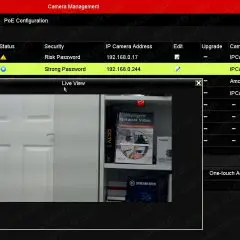
Did you get the message “No IP camera for deletion” in your Hikvision NVR?Don’t worry, here you are going to find a solution for this….Hikvision NVR message “No IP camera for deletionLet’s take a look at how you can fix this problem.What causes the messageThis message shows up when IP cameras are connected to the […]
How to Add Wisenet Cameras to Axis Camera Station (via ONVIF)
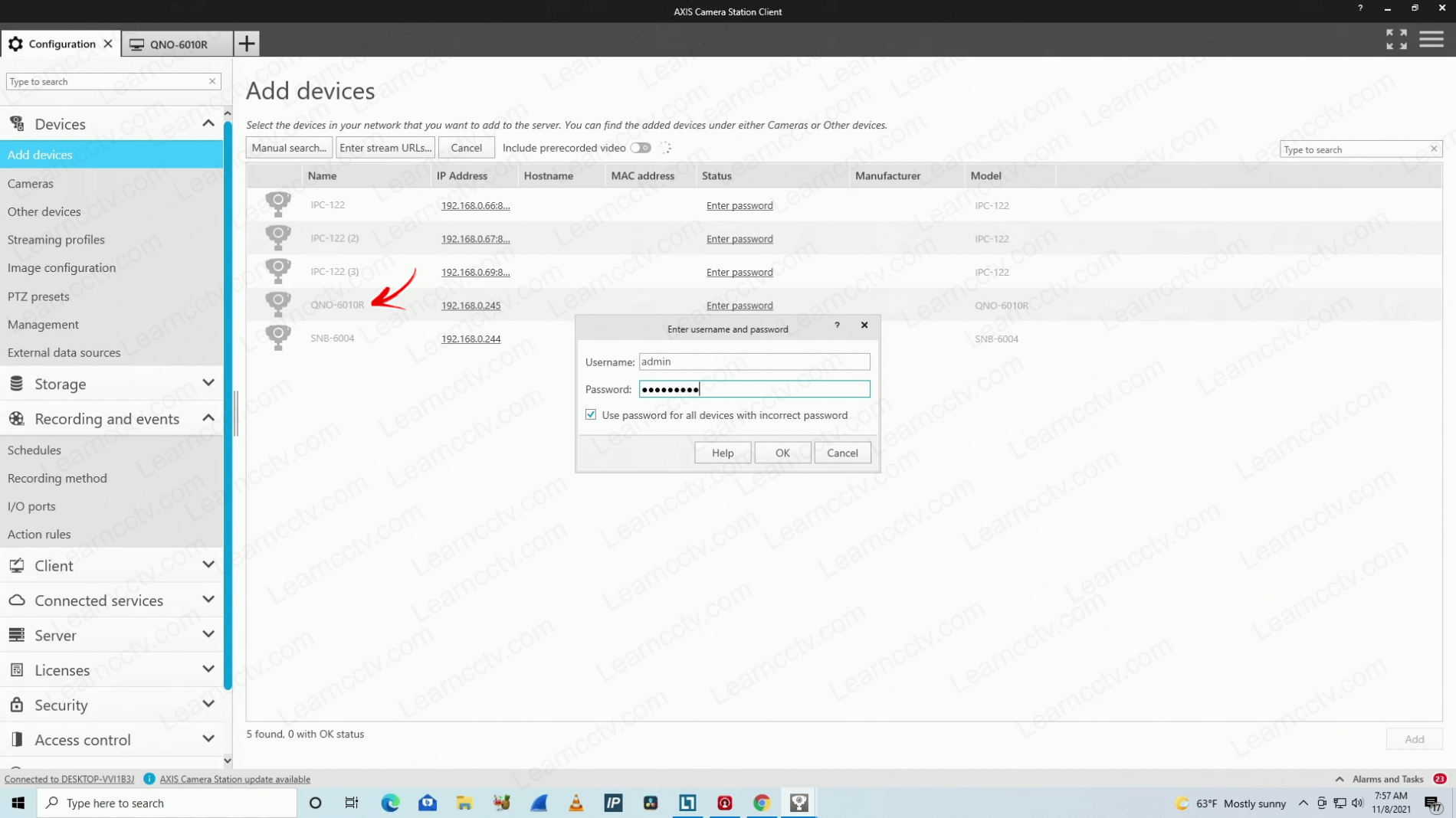
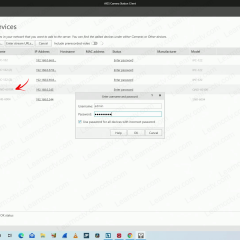
In this article, I show how to add Wisenet cameras to the Axis Camera Station.The Wisenet cameras don’t integrate directly with ACS but can work via ONVIF.Some Wisenet cameras are also known as Samsung Techwin or Hanwha Techwin cameras since they are part of the same manufacturer/brand.I’ve tested the Wisenet QNO-6010R, and it worked in the Axis Camera Station.Add Wisenet cameras […]
How to add Reolink cameras to Axis Camera Station (via RTSP)
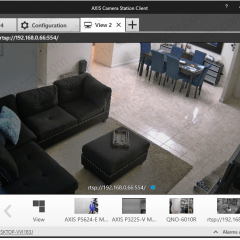
Let’s take a look at how to add Reolink cameras to Axis Camera Station.Yeah, can you have your camera running on this software via the RTSP protocol.Wait. Can’t I use the ONVIF protocol instead? Huummm, not really 🙁I’ve tested the setup, and I have more details to share. Keep reading to learn more…Reolink cameraa are […]

How to set up security camera hostname via DHCP (example with Axis camera)
In this article, I show how to set up the security camera hostname via DHCP.I use an Axis camera P3225 MKII and the Open DHCP server as an example.The following picture shows the camera with the hostname displayed on the top.The hostname information is offered to the device via DHCP option 12.Let’s see how it works…How […]

How to Power IP cameras via Coax Cable
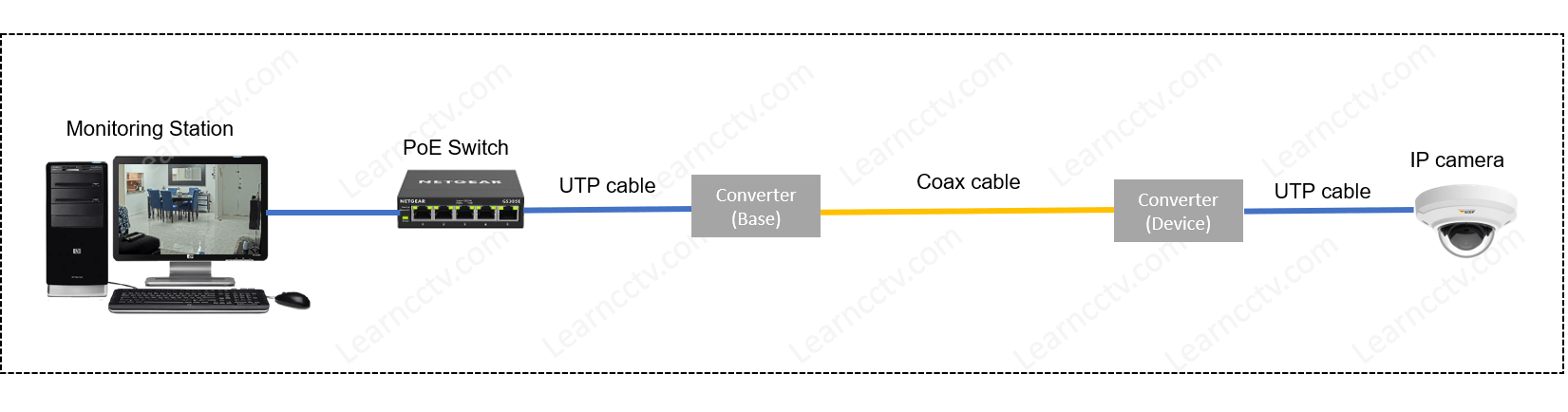
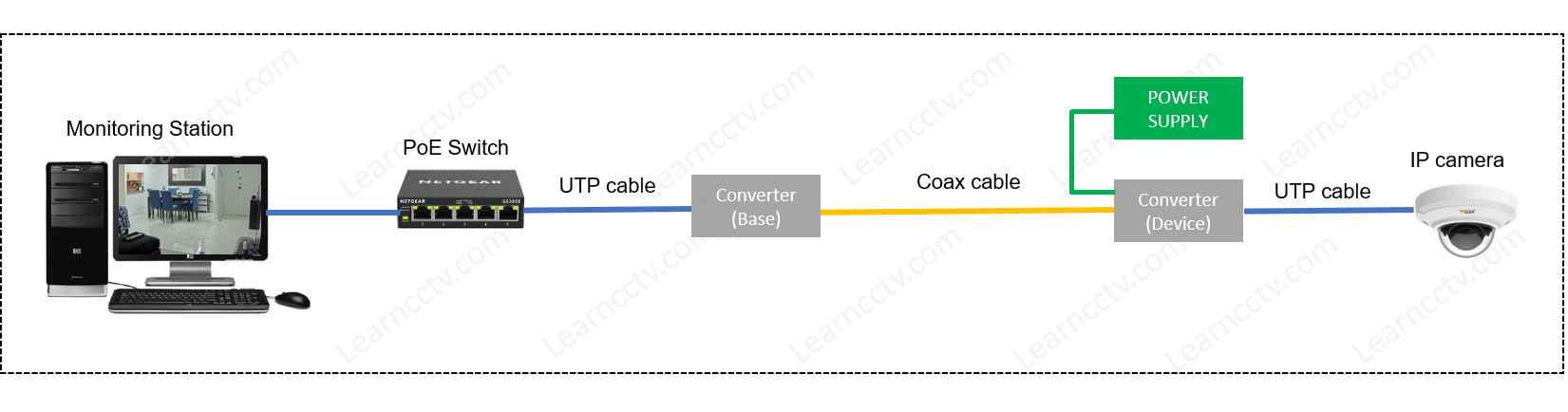
Do you want to power your IP cameras via coax cables?Yeah, that’s possible and I can show you how to do that…There are different ways to accomplish this task, so let’s discuss how it’s done.How to send power to IP cameras via CoaxYou can use converters (A.K.A. PoE Over Coax Adapter Kits) to send power […]
How to read Axis SD card in a PC
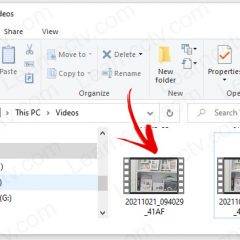
In this article, I show how to read the SD card from an Axis camera in a PC.The traditional and best way to check the video recorded in the camera’s SD card is to use the web interface, but it’s also possible to use a computer.Let’s see how this is possible. You need to learn […]
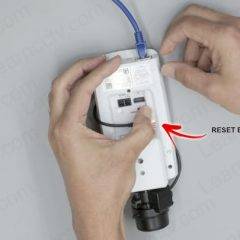
How to reset Axis cameras (Fix Box)
In this article, I explain how to reset an Axis camera to factory default.Here you can find an example with a fix box camera P1365 MK II, but the process is very similar in different models such as domes and PTZs.So, let’s learn how to do it…Reset an Axis camera to factory defaultYou need a UTP […]

Wyze error code 07 (solved)
If you are facing the Wyze Can error code 07, this article is for you.You can see the error when the App pops us the following message. Error (code 07): Unknown. Please try again later. If the problem continues, please submit a feedback to us. Here I have the solution to this problem, so just […]